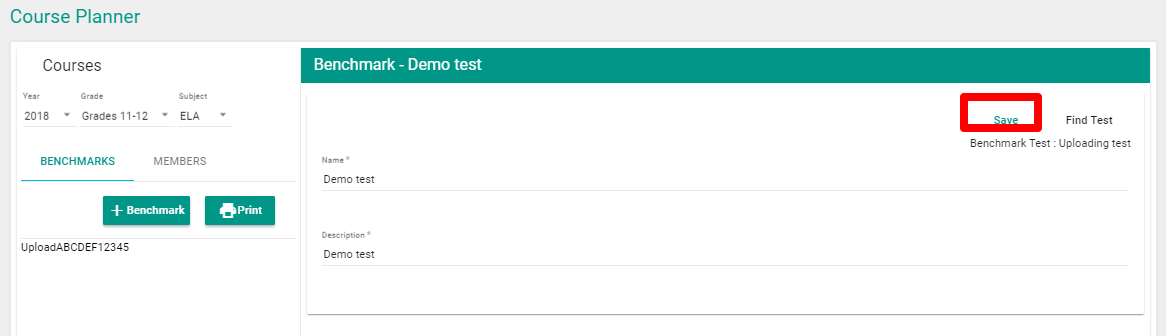
How Do I Search for and Add Tests to the Benchmark? FocalPointK12 Support Agent October 14, 2019 19:32 Updated Click on the ‘Find Test’ button. Search and locate the desired benchmark (s), click ‘Add’ and then ‘Save’. Related articles How do I Create a Unit for Grades & Courses? Comments 0 comments Please sign in to leave a comment.


Comments
0 comments
Please sign in to leave a comment.