
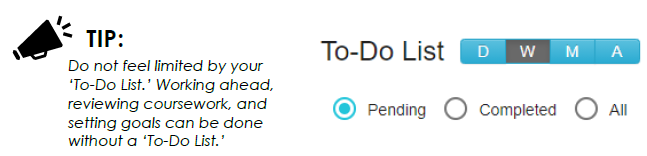
Once logged on, you will see a ‘To-Do List’ displayed on your home screen. This list can be viewed by changing to daily (D), weekly (W), monthly (M), or all (A). You can also use the buttons below to show pending, completed, or all activities.
The ‘To-Do List’ will only display activities if your teacher has set due dates for any assignments. Otherwise, if no due dates are established, you ‘To-Do List’ may appear blank.
Comments
0 comments
Please sign in to leave a comment.