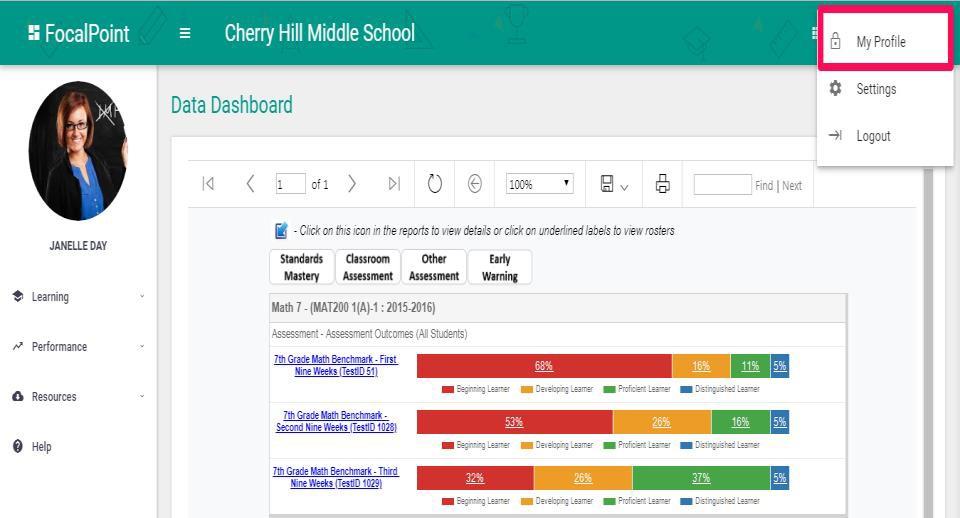
How do I view/edit my profile? FocalPointK12 Support Agent August 30, 2023 22:13 Updated To view/edit profile, click on the User Image on the Top right corner of the page then click on “My Profile” to go to the profile page. Related articles Learning Tree: Educator User Guide Comments 0 comments Please sign in to leave a comment.


Comments
0 comments
Please sign in to leave a comment.